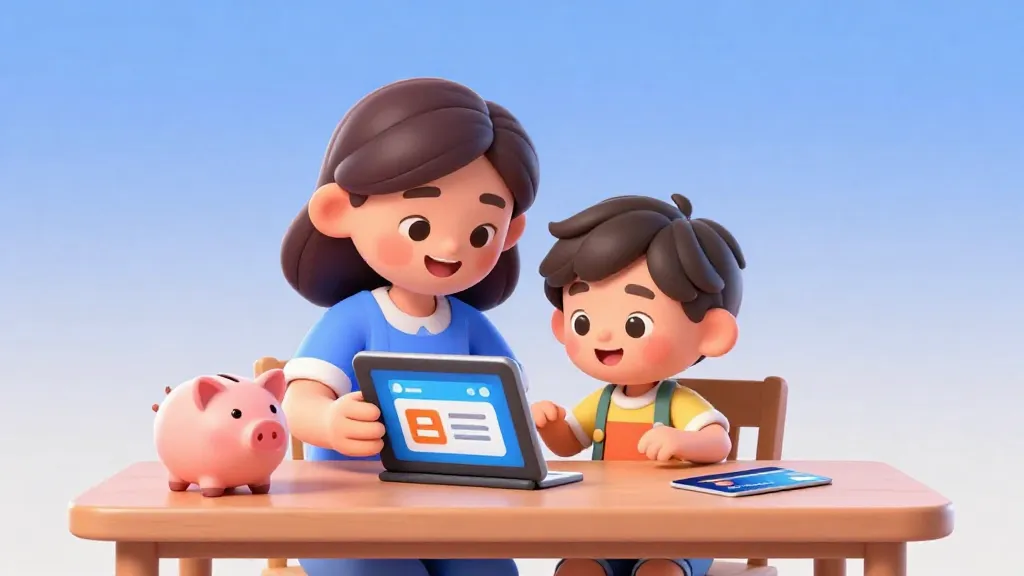
Opening your child's first bank account takes about 15 minutes if you have the right documents ready.
While the process is fast, the setup you choose today determines how your child learns about money management for years to come. This guide covers exactly what you need, the banking decisions you'll face, and the one setup step most parents skip.
Most parents wait until their child is a teenager to open an account, but you can actually start much earlier. Banks generally allow parents to open accounts for children as soon as they have a Social Security number or equivalent government ID.
Starting early allows you to move away from the 'bank of mom and dad' and into a system where they can see their balance grow. It also helps them understand that money isn't just paper in a jar, it's digital data that needs to be managed.
Most banks view children's accounts as 'loss leaders.' They often lose money on these accounts due to low balances, but they offer them because they know that if you start banking with them as a kid, you are likely to stay with them for 20 years or more.
Step 1: Gather Your Documents
Before you sit down at a computer or walk into a branch, you need your paperwork. Banks are required by law to verify the identity of both the custodian (you) and the minor.
For your child, you will almost always need their birth certificate or a valid passport. You will also need their Social Security number or tax identification number. If they are older, a school ID card can sometimes serve as secondary identification.

Finn says:
"Do I really need my actual birth certificate? What if I only have a photo of it on my phone?"
For yourself, you will need a government-issued photo ID, such as a driver's license or passport. Most banks also require proof of address, like a recent utility bill or bank statement, if your current address doesn't match your ID.

The best thing is to do it at a very young age. It doesn't matter if it's a small amount.
Step 2: Choose Your Account Type and Route
You have two main paths: the traditional high-street bank or a digital-only prepaid card account. High-street banks often offer 'free' accounts with no monthly fees for students, which is a great way to avoid extra costs.
Physical branches allow kids to see where money goes, talk to tellers, and feel the 'weight' of the institution. Great for younger kids.
App-based banks offer better automation, instant notifications, and tools like chore-tracking that high-street banks often lack.
Digital-only accounts, often managed through an app, are designed specifically for families. They usually have better interfaces and more robust parental controls, but they often come with a small monthly subscription fee.

Mira says:
"My friend's app sends her a notification whenever she spends money. It's like a little 'cha-ching' sound on her watch!"
Step 3: Complete the Application
If you are already a customer at a bank, opening a sub-account for your child is usually a five-minute task inside your online banking portal. If you are joining a new bank, you can apply online or in person at a local branch.
Visiting a branch can be a powerful 'rite of passage' for a child. Seeing the vault and meeting a teller makes the concept of a bank feel more real than just another app on a phone. However, if you value speed and high-tech features, the online route is usually superior.
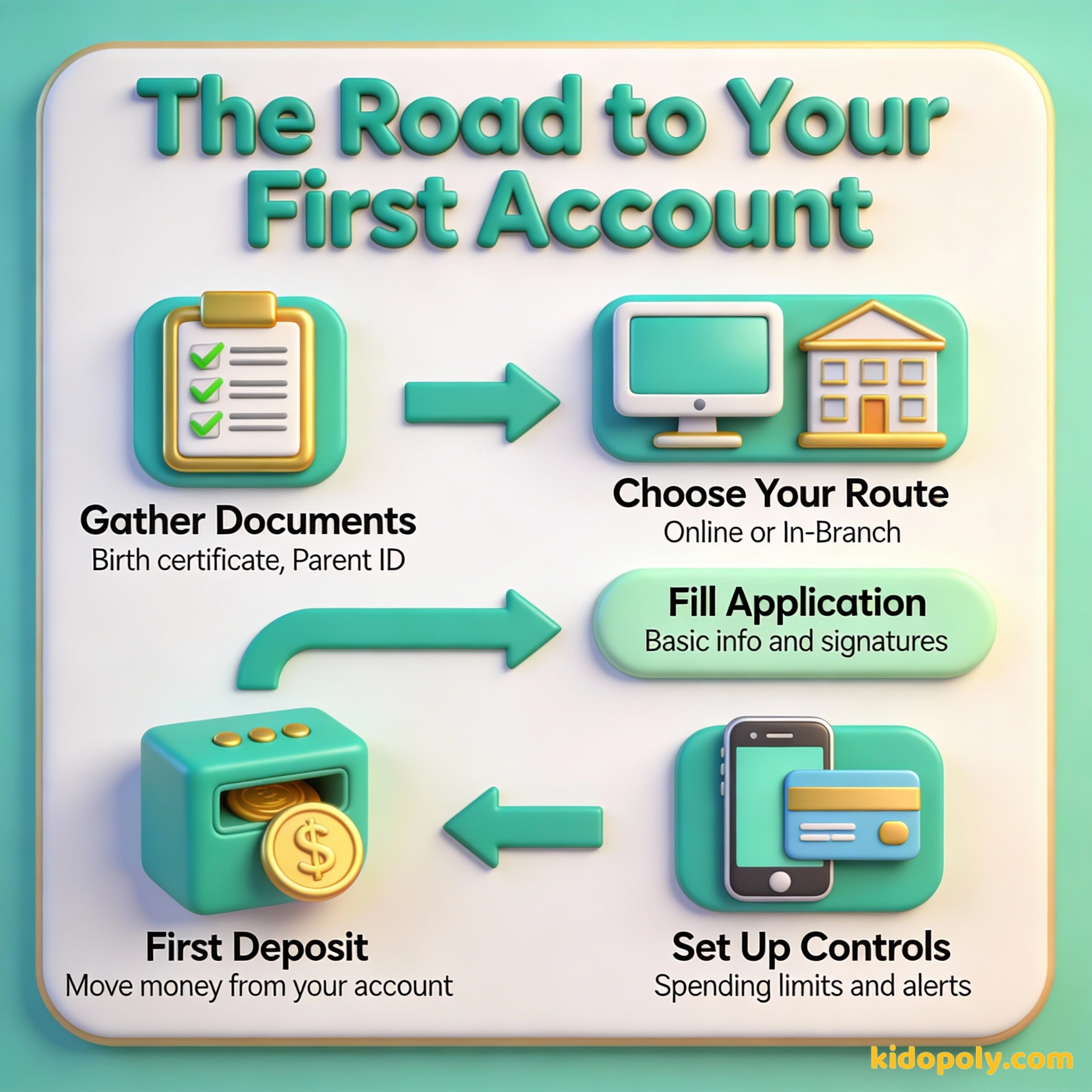
Step 4: The Initial Deposit and Funding
To 'activate' the account, you will need to make an initial deposit. This can be as little as $1 or $5 in many cases. Most parents do this by linking their own checking account and performing an electronic transfer.
If you deposit $10 today and add just $2 a week, your child will have over $114 by the end of the first year. Initial: $10 Weekly: $2 x 52 = $104 Total: $114 (Before any interest is even added!)
This is a great moment to teach your child about automated transfers. You can set up a weekly 'allowance transfer' that moves money from your account to theirs automatically, showing them how consistent saving works.

Money is such an amazing tool to help people live the life they want to live.
Step 5: Setting Up Parental Oversight
This is the step most parents skip, but it's the most important for safety and education. Once the account is open, log into the mobile app and navigate to the security or account alerts section.
- Transaction Notifications: Set these to 'On' for both your phone and theirs so you see every cent spent in real-time.
- Spending Limits: Set a daily or per-transaction limit to prevent accidental overspending.
- Merchant Blocks: Some accounts allow you to block specific types of stores, like online gaming or gambling sites.

Turn document gathering into a scavenger hunt! Give your child a list of the items needed and have them help you find their birth certificate or passport in your home filing system. It's their first lesson in 'financial administration.'
Avoiding Common Mistakes
The biggest mistake parents make is choosing an account based only on the interest rate. For a child's first account, the user experience of the app and the ease of moving money are far more important than a 1% difference in interest.
Another mistake is not involving the child in the setup. If you do everything behind the scenes, the account feels like 'yours' instead of 'theirs.' Let them choose the color of their debit card or help type in the password for the app.
Finn says:
"Wait, if I have an app, do I still need to go to the big building with the heavy doors?"

An investment in knowledge pays the best interest.
Taking the Next Step
Once the account is open and the card arrives in the mail, don't just put it in a drawer. Take your child to a store and let them make a small purchase using their own money and their own card.
Seeing the balance drop on the app immediately after a purchase is the best way to teach the connection between digital numbers and real-world items. This physical-to-digital link is the foundation of modern financial literacy.
Something to Think About
What is the first thing your child wants to save for in their new account?
There is no right or wrong answer here. Whether it is a small toy or a long-term goal, the act of naming a goal makes the account feel like a tool for their dreams rather than just a place to store numbers.
Questions About Banking
Can I open a bank account for my child online?
What is the minimum age to get a debit card?
Do I need to be on the account with my child?
Ready to Start?
Opening the account is just the beginning. Once the paperwork is done, you can start exploring [savings-accounts-for-kids] to see how to make that initial deposit grow, or check out our guide on [kids-bank-accounts] to compare different options.