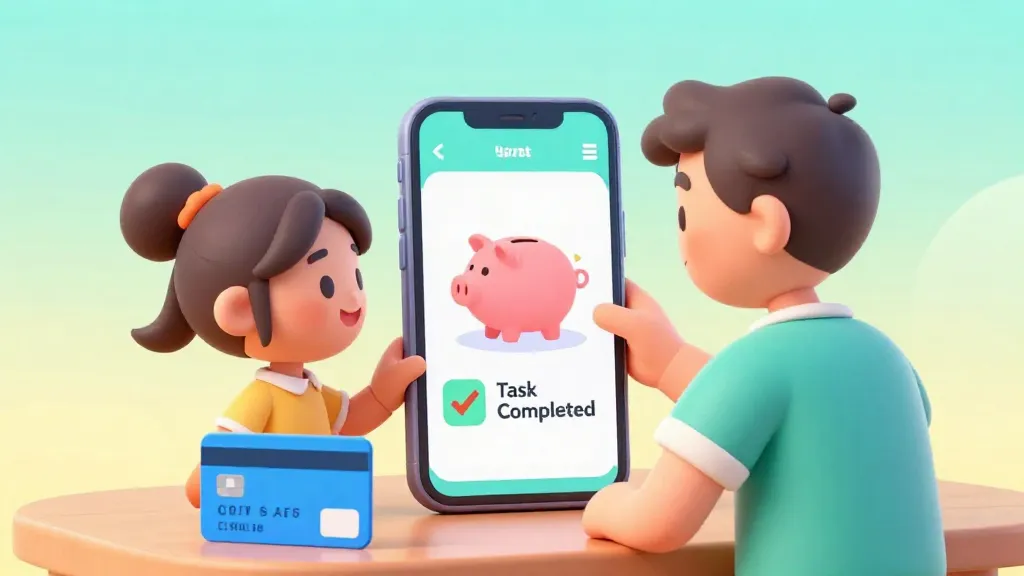
Your child loses coins down the sofa, forgets what they spent, and the tooth fairy never has the right change.
Pocket money apps solve the logistics of the weekly allowance, but they also serve as a training ground for digital literacy. In an increasingly cashless society, choosing the right kids money management app is about more than just moving digits: it is about teaching the value of a dollar in a world where money is often invisible.
Digital money can feel like 'Monopoly money' to a child because they cannot physically touch it. However, the best pocket money app options today bridge that gap with visual progress bars, chore lists, and real-time notifications.

According to research, kids who use pocket money apps tend to save 20% more of their income compared to those who get cash, mainly because the app makes it easier to track progress toward a specific goal.
Most families start looking for an app around age 6 to 8. This is when kids begin to understand that money is earned and that it can be exchanged for things they want. By using an app, you are giving them a safe space to make small mistakes before they get a 'real' bank account.

The best time to teach a child about money is when they first ask for some.
Comparing the Top Pocket Money Apps of 2026
There is no single 'best' app for everyone. The right choice depends on your child's age, whether you want a physical card, and how much you are willing to pay in monthly fees.
- GoHenry: Often considered the pioneer, it focuses heavily on 'Money Missions' (educational games). It includes a customizable debit card and excellent parental controls.
- NatWest Rooster Money: A great option if you already bank with NatWest, as it often integrates features for customers. It offers a tiered approach: a free star chart for younger kids and a paid card for older ones.
- Greenlight: Popular for its robust features, including 'Cash Back' on savings and options for older kids to learn about the basics of the stock market.
- Revolut <18: Best for older children or families who travel. It feels more like a 'grown-up' banking app but keeps the safety rails in place for parents.

Finn says:
"If the app does everything automatically, will I still learn how to count my change at the shop?"
When to Use Cash vs. Digital Apps
While we live in a digital world, cash still has a place in financial education. For very young children (ages 4 to 6), physical coins help them understand the concept of quantity and trade.
Physical cash is tactile and visual. It's great for teaching younger kids that once the money is gone, it's really gone.
Apps offer automation, tracking, and security. They reflect how adults actually handle money in the 21st century.
Transitioning to a pocket money app for kids usually makes sense when they start asking for things online or when you find yourself never having physical cash to pay their allowance. Digital apps allow for 'set it and forget it' automation, ensuring the lesson of consistency is never missed.
Essential Features to Look For
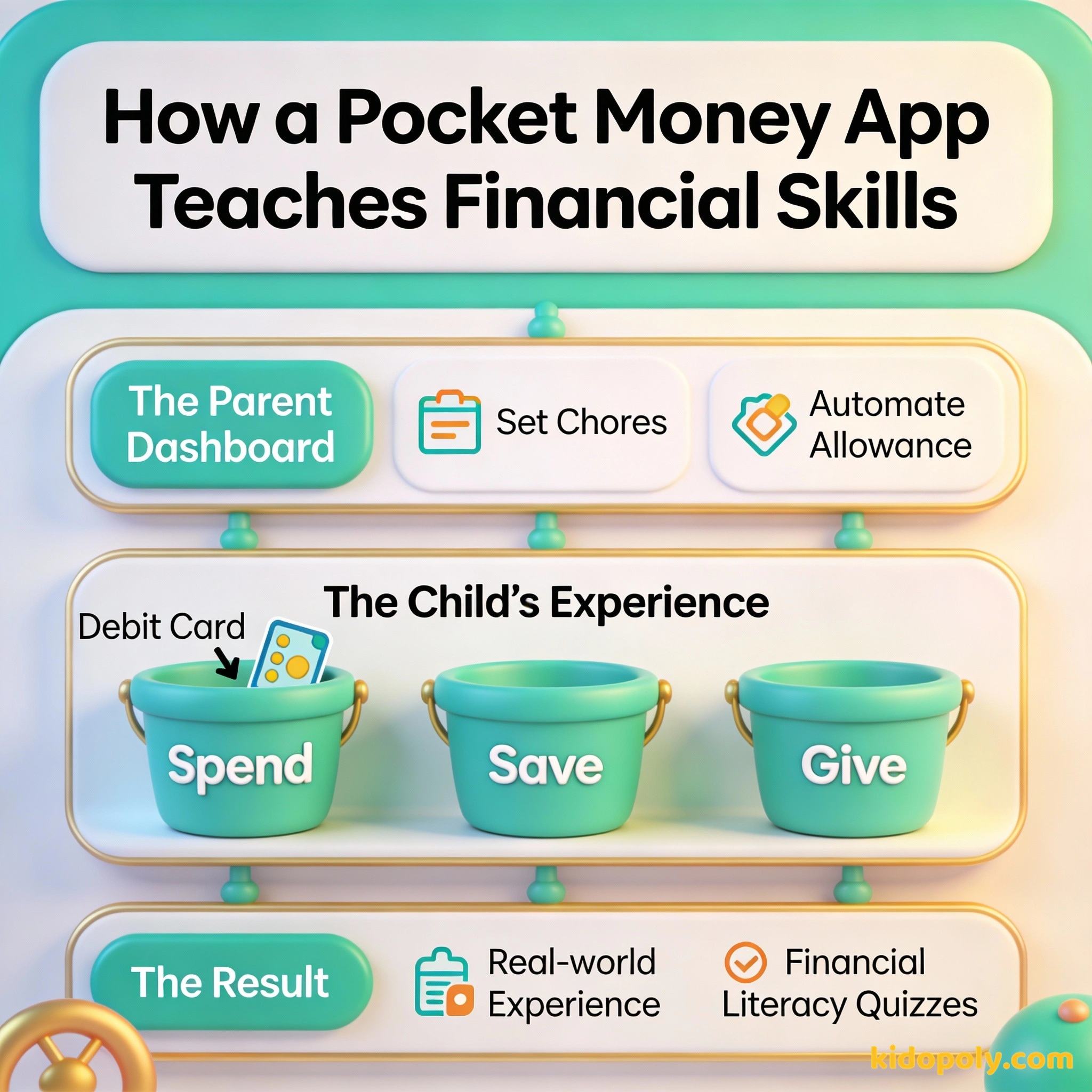
Before you sign up and hand over your data, evaluate the app based on these four pillars. Not every family needs a high-tech solution: sometimes a simple chore list is enough.
- Parental Controls: Can you instantly freeze the card? Can you block specific types of shops (like online gaming or liquor stores)?
- Educational Content: Does the app teach them why they should save, or does it just show them the balance?
- Fee Structure: Many apps charge between £1.99 and £4.99 per month per child. Over a year, this can be a significant chunk of their potential savings.
- Task Management: Can you tie their allowance to specific chores, like emptying the dishwasher or cleaning their room?
Does the fee matter? If you give £10 monthly pocket money: - App A (Free): Child keeps £10.00 - App B (£2.99 fee): Child effectively gets £7.01 That is a 30% 'tax' on their allowance! Always check if the parent or the child's balance pays the fee.

Mira says:
"I like that I can see my savings goal getting closer every time I finish my chores. It makes the 'boring' jobs feel worth it!"
Safety, Security, and Privacy
When you open an account for your child, you are sharing sensitive data. Always check that the app uses biometric security (like FaceID) and is regulated by relevant financial authorities (like the FCA in the UK).

By age seven, several basic financial behaviors are already set.
Remember that these apps are generally 'prepaid' cards. This means your child can never go into debt or spend more than what is on the card. This built-in safety net is the most important feature for any parent concerned about overspending.
Before picking an app, sit down with your child and draw a 'Dream List' of three things they want to save for. Seeing those goals in the app later will make the digital numbers feel real.
Matching the App to Your Child’s Age
As your child grows, their needs change. A 7-year-old needs a visual chore chart, while a 14-year-old needs a way to receive money from a part-time job or split a pizza bill with friends.
- Early Learners (Ages 6-9): Focus on apps with 'Star Charts' and visual goals. The goal here is linking effort (chores) to reward (money).
- Independent Spenders (Ages 10-13): This is the prime age for a physical allowance app for kids card. They can use it in shops and learn to check their balance before buying.
- Pre-Teens and Teens (Ages 14+): They may prefer an app that looks less 'childish.' Look for features like 'pockets' for different saving goals and easy peer-to-peer transfers.

There is a direct correlation between the work you do and the money you receive.
Finn says:
"So if I lose the physical card, my money isn't actually 'gone' like it would be if I dropped a tenner in the park?"
Choosing an app is just the first step. The real magic happens during the monthly 'money talk' when you look at the app together and see where the money went. Whether they saved for a new Lego set or spent it all on sweets, the app provides the data for the conversation.
Something to Think About
If your child spent their entire month's allowance in one day on something 'silly,' would you let them live with that choice or bail them out?
There is no right answer here. Some parents see it as a cheap lesson in regret, while others prefer to use it as a moment for coaching. Your choice reflects your family's personal values around money.
Questions About Earning & Pocket Money
What is the best free pocket money app?
At what age should I get my child a pocket money app?
Are pocket money apps safe?
Ready to go digital?
Choosing an app is a great way to start the journey of financial independence. Once you have picked a platform, the next step is deciding how much to actually put into it. Head over to our guide on pocket-money-by-age to see what other families are doing.