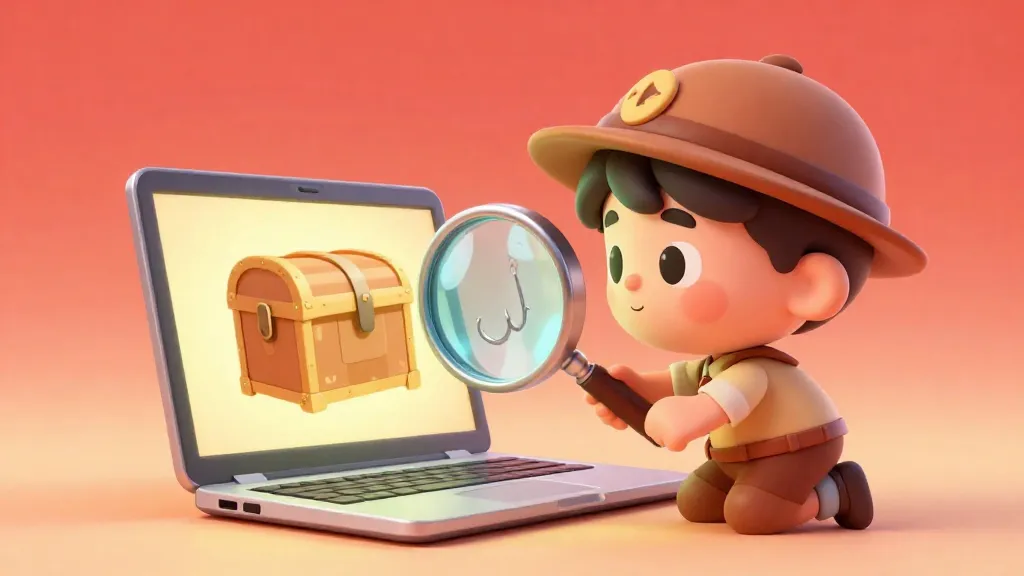
The email looks exactly like it's from YouTube: 'Your channel has been selected for verification! Click here within 24 hours or lose your account.'
The logo is right, the colors match, and even the footer looks official. But one tiny detail in the sender's email address reveals the truth: it's an online scam. Understanding how cybersecurity works is like having a secret shield for your digital life.
The internet is like a giant, wonderful city. There are parks to play in, shops to visit, and schools to learn from. But just like a real city, there are people who try to trick others into giving away their money or private information.
These tricks are called online scams. Scammers aren't usually genius hackers in dark rooms: they are mostly people who use psychology to fool you. They want your passwords, your parents' credit card numbers, or your personal data because all those things are valuable in the digital world.

Finn says:
"Wait, why would a scammer want my email? I only have zero dollars and five unread newsletters from the library!"
The Art of the Phishing Hook
The most common trick you will see is called phishing. Think of it like a fisherman throwing a shiny lure into the water. The fisherman doesn't know which fish will bite, but they know if the lure looks tasty enough, someone will.
A phishing message usually arrives via email, text, or social media DM. It pretends to be from a company you trust, like Netflix, Amazon, or a popular social media app. They want you to click a link and "log in" to a fake page that looks exactly like the real one.

In 2022, people lost over $8.8 billion to scams. That is more than the cost of building 10 Burj Khalifas, the tallest building in the world!
When you enter your username and password on a fake page, you aren't logging in. You are handing your keys directly to the scammer. They can then use those details to take over your account or find even more personal information.

Social engineering is using manipulation, influence, and deception to get a person to comply with a request.
How to Spot a Fake Website
Scammers are great at building clone sites. These are websites that look 99% identical to the real thing. They use the same logos, the same colors, and even the same font.
To spot a fake, you have to look at the URL, which is the web address at the top of your browser. A scammer might use 'googIe.com' instead of 'google.com' (using a capital 'I' instead of a lowercase 'l'). Or they might add extra words, like 'login-roblox-safety.com'.
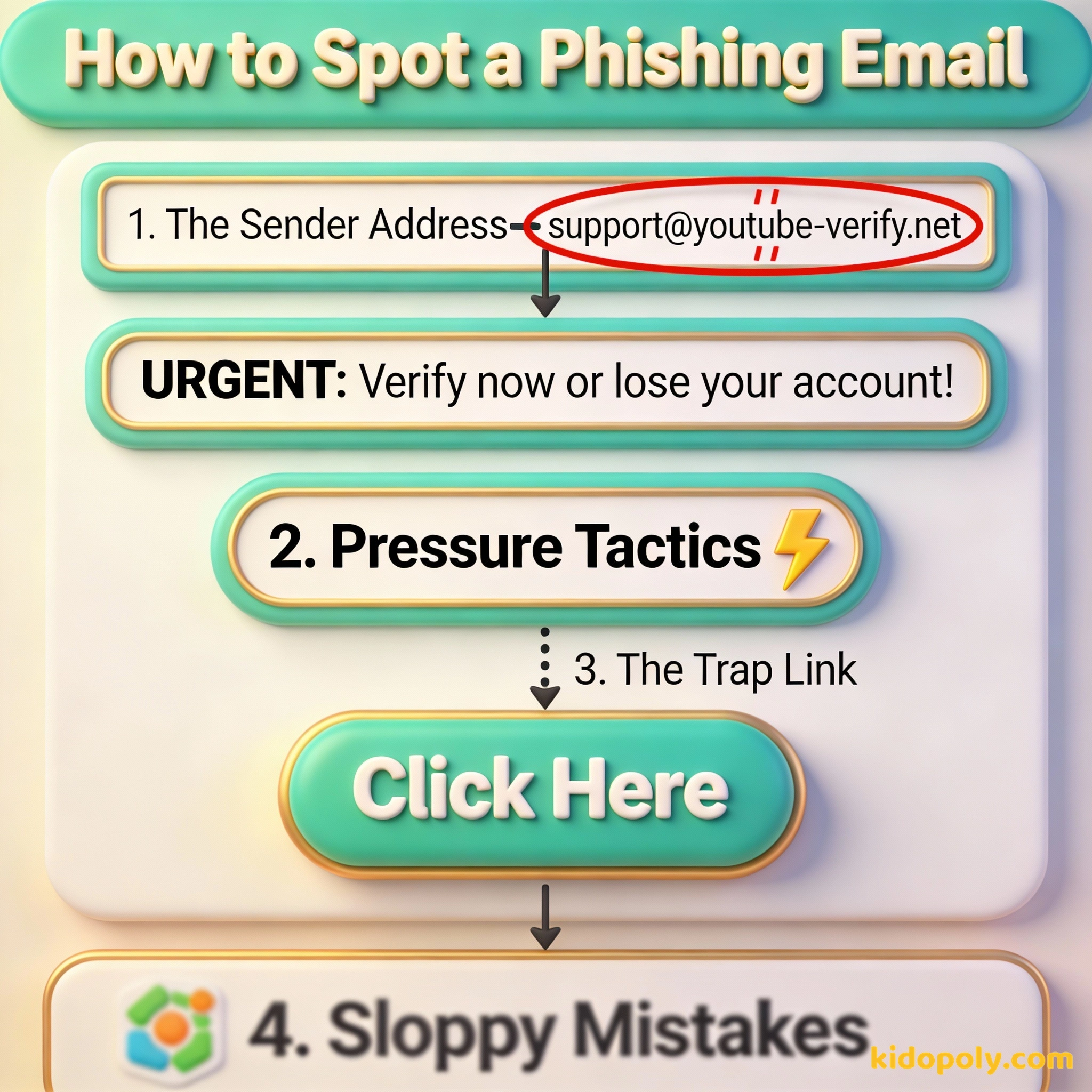
You should also look for the HTTPS padlock icon in the address bar. While many fake sites have this now, a site without it is definitely not safe for your data. However, the best way to stay safe is to never click a link in a message: always type the real website address into your browser yourself.

Mira says:
"It’s like a movie set! From the front, it looks like a real castle, but if you look behind the scenes at the web address, you can see it's just held up by cardboard and tape."
The Psychology of the Scam
Why do smart people fall for these tricks? It is because scammers use social engineering. This is a fancy way of saying they hack your brain instead of your computer. They use four main tricks to stop you from thinking clearly.
First, they use urgency. They tell you that you must act in '1 hour' or '24 hours'. This makes you feel rushed, which makes you more likely to make a mistake. When you feel that rush of panic, that is your signal to slow down and wait.
If a scammer sends out 10,000 phishing emails and only 0.1% of people fall for it, how many victims do they have? 10,000 x 0.001 = 10 people. If they steal just $50 from each person, they make $500 for a few minutes of work. This is why scammers send millions of messages every day!
Second, they use authority. They pretend to be a 'security officer' or a 'government official'. They hope that because they sound important, you will do whatever they say without asking questions. Remember: real companies will never ask for your password over email.

The easiest way to stop a scam is to simply verify who you are talking to.
Social Media Traps
Social media is a playground for scammers because it is easy to hide. You might see a 'Share to Win' post promising a free iPhone or a thousand dollars in gift cards. Often, these are just ways to harvest your data or get you to follow a bot account.
Another common trick is impersonation. A scammer might copy a friend's profile picture and name, then send you a message saying they are in trouble and need money. If a friend ever asks for money or strange information online, call them on the phone or talk to them in person to see if it's really them.
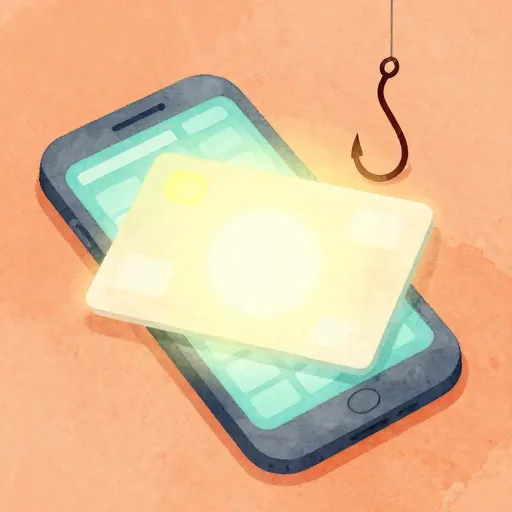
Imagine you see a post: 'Click here for a FREE $100 Gift Card! Only 5 left!' Your heart beats faster. You want that card. That feeling? That is exactly what the scammer wants you to feel. They are using your excitement to blind your common sense.
Your Digital Detective Toolkit
To stay safe, you need to develop your detection skills. One of the best tools is link hovering. If you are on a computer, hover your mouse over a link without clicking it. A tiny box will appear in the corner of your screen showing where the link actually goes.
If the message says it's from Apple, but the link points to 'super-prize-win.xyz', you know it's a scam. You can also use a reverse image search on profile pictures. If a 'famous' person DMs you, search their photo: you might find it actually belongs to a random person in another country.
Finn says:
"So if I see a 'Share to Win' post, I should treat it like a 'Share to Lose My Privacy' post?"

It takes 20 years to build a reputation and five minutes to ruin it.
The Step-By-Step Response Plan
What happens if you realize a message is a scam? Or even worse, what if you already clicked the link? Don't panic. Scammers rely on you being too embarrassed to ask for help. Follow these steps to take back control:
- Stop Everything: Do not reply, do not click more links, and do not enter any more information.
- Take a Screenshot: This creates a record of the scam that can help adults or the police understand what happened.
- Tell an Adult: This is the most important step. Parents or teachers can help you change passwords or contact the real company to secure your account.
- Report and Block: Use the 'Report' button on the app or email service. This helps protect other kids from the same scam.
The 24-Hour Rule: Whenever you get an 'urgent' message about your accounts or money, wait 10 minutes before doing anything. Use those 10 minutes to talk to a parent. Scams usually fall apart once you stop rushing.
Learning to spot these tricks makes you a more powerful digital citizen. You wouldn't give your house keys to a stranger on the street, so don't give your digital keys to a stranger in your inbox.
Something to Think About
If you saw a message from your favorite celebrity saying they wanted to give you money, what is the first thing you would do to check if it was real?
There is no single right answer, but think about how you can verify someone's identity without clicking a link. Your safety is more important than a potential prize!
Questions About Money & Society
Can I get a virus just from opening an email?
What if I accidentally entered my password on a fake site?
Why do scammers target kids if we don't have much money?
You Are the Security Expert
Now that you know the tricks, you aren't just a target: you are a digital detective. By keeping your cool and checking the facts, you can keep your money and your information safe. Want to learn more about keeping your cash secure? Check out our guide on [money-scams-for-kids] or learn how banks keep your money safe in [online-banking].