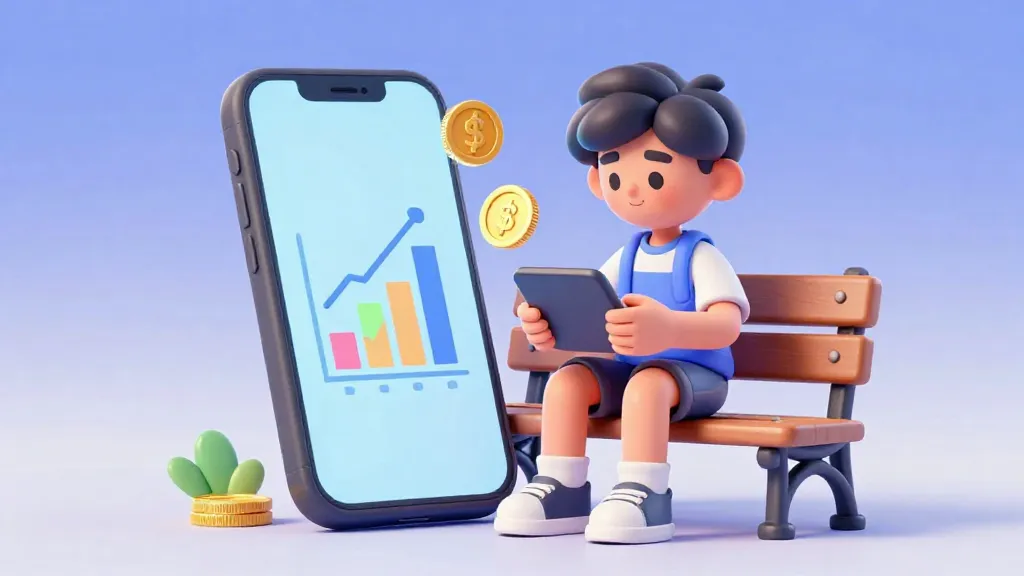
Traditional banks give kids a paper passbook and maybe a plastic card, but the new world of digital banking offers something much more interactive.
Modern online bank accounts and neobanks give you an app where you can set saving goals, get instant notifications, and learn to manage money in real time. This guide explores whether these app-based accounts are the right choice for your family compared to traditional options.
Traditional banks have a long history, but they were not always built with kids in mind. For decades, a child's bank account meant a paper booklet and a trip to a physical building to talk to a teller. Today, a new category of digital bank accounts is changing that experience for everyone under 18.

An investment in knowledge pays the best interest.
What Exactly is an Online Bank Account?
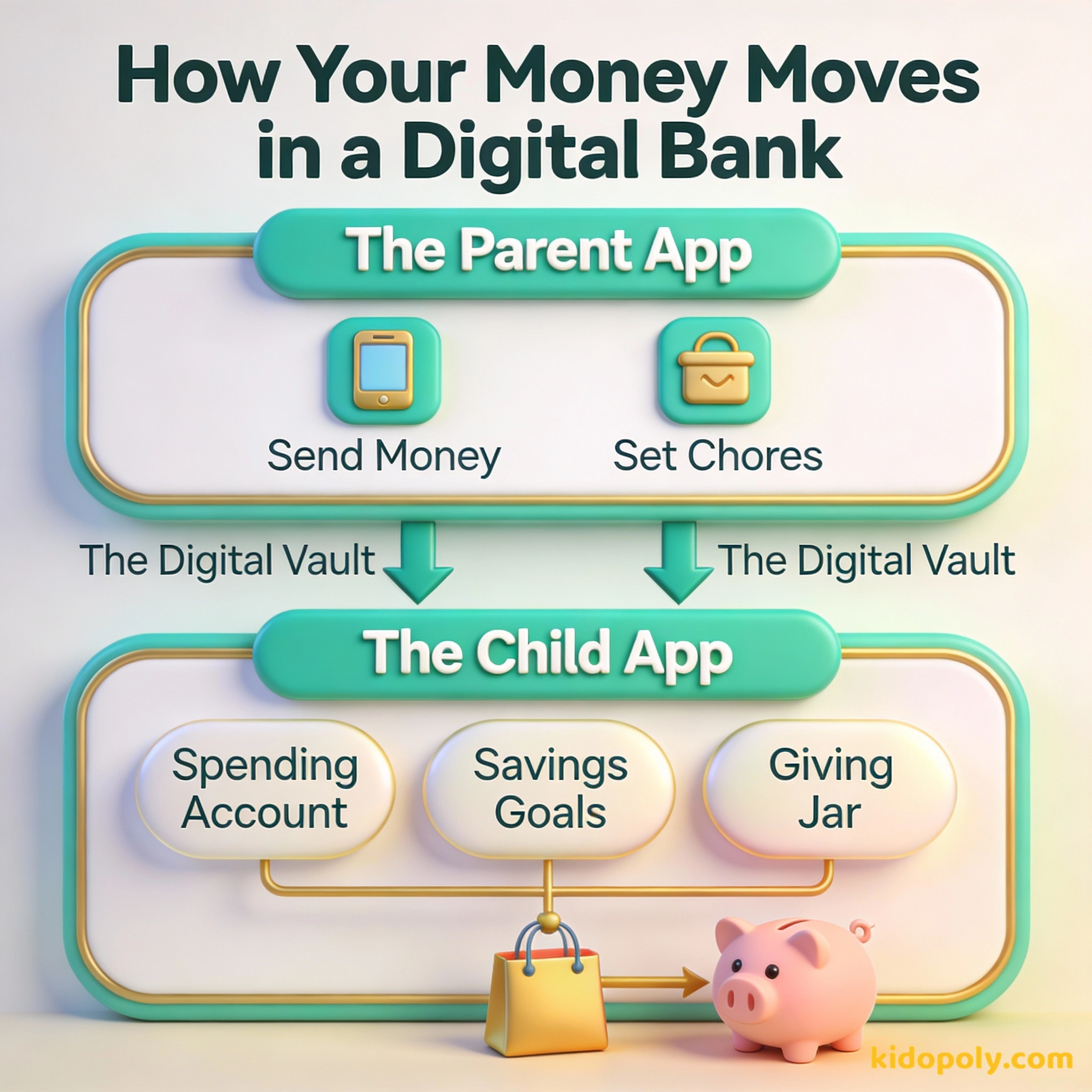
When we talk about an online bank account for minors, we are usually looking at two different things. First, there are traditional banks that offer a digital app for their young customers. Second, there are neobanks, which are financial technology companies that exist almost entirely on your phone.
These neobanks, like Greenlight, GoHenry, or Step, are designed specifically for families. They focus on features that help you learn by doing, rather than just storing your money in a dark corner of the internet. Because they do not have physical branches to maintain, they often invest more in making their apps easy and fun to use.
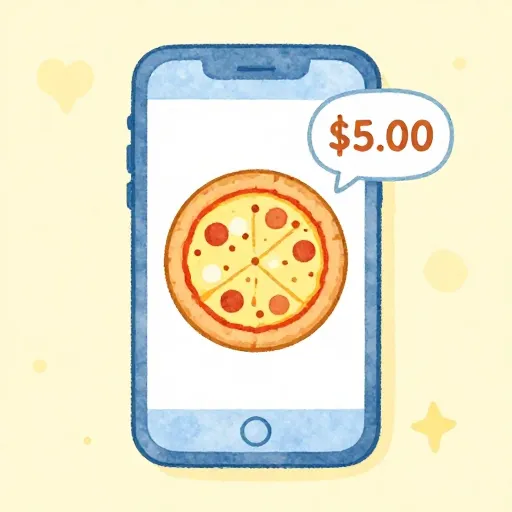
Imagine you are at the mall and buy a slice of pizza. Before you even take the first bite, your phone buzzes. It is an alert showing exactly how much you spent and how much you have left for the rest of the month.

Finn says:
"Wait, if there isn't a physical building with a big vault, where does my actual cash go when I deposit it?"
Why Go Digital-First?
The biggest reason families choose an online-only account is the speed of information. In a traditional account, you might have to wait days to see a transaction show up. With a digital bank account for kids, you usually get an instant notification on your phone the moment a card is swiped.
Beyond speed, these apps offer tools that traditional banks often lack. You can create specific "savings buckets" for things like a new bike or a video game console. Many apps also include educational games or quizzes that reward you for learning about topics like inflation or investing.

The most important investment you can make is in yourself.
The Trade-Off: Fees vs. Features
While traditional kids-bank-accounts are often free, many specialized kids' neobanks charge a monthly subscription fee. This fee usually covers the cost of the app, the physical card, and the educational tools. It is important to decide if those extra features are worth the monthly cost to your family.
Subscription Fee: $4.99 per month Months in a Year: 12 Total Annual Cost: $4.99 x 12 = $59.88 Is the convenience of the app worth about $60 a year to your family, or would you rather put that money into a savings account?
Some digital accounts are free but might offer fewer features or lower interest rates. Others might charge a few dollars a month but provide advanced parental controls. These controls allow parents to see where money is spent or even block specific stores where they do not want their child shopping.
Offers cool features like chore charts, instant alerts, and savings goals, but often costs a monthly fee.
Usually free for kids and has physical buildings where you can talk to people, but the apps are often basic.
Is Your Money Safe Online?
A common concern for parents is whether these new digital apps are as safe as a "real" bank. Most reputable neobanks partner with established banks to ensure your deposits are protected. In the US, this is called FDIC insurance, and in the UK, it is the FSCS.

Mira says:
"It is like having a money coach in my pocket! I can see exactly why I can't afford that new game yet."
Safety also means protecting your personal information. Because these apps are built for minors, they have to follow strict laws about how they handle data for people under 13. Always check that the app you choose has clear privacy settings and uses strong encryption to keep your account details private.

It’s not how much money you make, but how much money you keep.
Choosing the Right Path
Deciding between a traditional bank and a digital-only account depends on how you plan to use it. If you want a place to drop off physical birthday cash, a local bank with a branch might be better. If you want to manage an allowance digitally and track spending trends, a neobank is likely the winner.
Over 6 million families use the Greenlight app alone. That is a lot of kids learning to manage money digitally!
You should also look at the age requirements for each app. Some are built for kids as young as six, while others are designed for older teens who are starting their first part-time jobs. Check out our guide on bank-account-for-minors to see how the rules change as you get older.
Finn says:
"Does the app stop working the day I turn 18, or do I get to keep all my savings goals?"
Sit down with your parent and look at a traditional bank app and a neobank app together. Compare the 'Goals' section of both. Which one makes you feel more excited about saving for your next big purchase?
Final Checklist for Families
Before you hit the download button, take a moment to look at the fine print. Look for hidden costs like ATM withdrawal fees or replacement card fees. Ask if the app grows with the child, or if they will need to switch to a new account once they turn 18.
Digital banking is a powerful way to turn everyday spending into a learning experience. By choosing an account that fits your family's habits, you can build a strong financial foundation before you even finish high school.
Something to Think About
If you had a banking app today, what would be your very first savings goal, and how would seeing your progress on a screen change how you spend your money?
There is no right or wrong way to use these tools. Think about what motivates you to save and how much control you want over your own digital wallet.
Questions About Banking
Can a minor open a bank account online alone?
Do online bank accounts for kids have fees?
Are digital bank apps safe for my child?
Ready to go digital?
Online banking is about more than just numbers on a screen: it is about building habits that last a lifetime. If you are ready to compare specific accounts, head over to our page on kids-bank-accounts to see which one fits your budget and your goals.